Tag: best Salon Management Software Kenya

  • Salon and Spa Management Software Nairobi County: Bookings, POS, Stock and Staff

    Salon and Spa Management Software Nairobi County: Bookings, POS, Stock and Staff

    Salon and Spa Management Software Nairobi County is designed for owners searching for a practical way to manage branches, bookings, pos, teams across Westlands, Kilimani, Karen, Nairobi CBD, Eastlands and all Nairobi sub-counties. PRIM gives salon, spa and wellness group businesses a mobile-first operating system for the daily work that protects revenue and client trust.

    Salon and Spa Management Software Nairobi County
    Salon and Spa Management Software Nairobi County county guide by PRIM, Powered by Zama Systems.

    Powered by Zama Systems. PRIM combines beauty and wellness workflows with Kenyan implementation experience, role-based access, local payment realities and scalable business automation.

    Request a PRIM demo for Nairobi County

    Bring your service list, staff structure, payment methods, stock challenges and current booking process. See PRIM using your own workflow.

    Why businesses in Nairobi County need management software

    competitive Nairobi operators need branch-ready automation, customer experience, stock control and real-time management reports. The problem is rarely a lack of effort. It is that appointments, payments, products and employee work are recorded in different places.

    Businesses serving Westlands, Kilimani, Karen, Nairobi CBD, Eastlands and all Nairobi sub-counties need fast answers: who is booked, which professional is available, what the client bought, how they paid, what stock moved and whether the day closed correctly. PRIM brings those answers into one system.

    Coordinate treatments, therapists, rooms and packages

    A spa booking reserves more than a time slot. It may require a qualified therapist, treatment room, equipment and consumable products. PRIM helps reception confirm availability before promising a client a specific time.

    Package and membership balances should update when a treatment is completed. Role permissions protect private client information while managers retain the reporting needed to run the business.

    What buyers should expect from Salon and Spa Management Software Nairobi County

    • Shared booking calendar: appointments, reschedules, confirmations and walk-ins should be visible to authorized team members.
    • Client profiles: visit history and preferences help teams provide consistent service and relevant follow-up.
    • POS and M-Pesa records: services and products should connect to the payment method and employee responsible.
    • Stock control: purchases, retail sales, service consumption and adjustments should create a reviewable trail.
    • Staff accountability: schedules, service totals and commissions should come from completed transactions.
    • Owner reports: managers should see sales, payments, stock and performance without rebuilding spreadsheets.

    Local rollout plan for a Nairobi business

    1. Map the current day

    Follow one client from enquiry to booking, arrival, service, checkout and next visit. Mark every delay, duplicate entry and decision that depends on one person’s memory.

    2. Clean the service menu

    Confirm service names, prices, duration, required skills and whether a deposit is needed. Consistent setup prevents calendar conflicts and misleading reports.

    3. Verify products and opening stock

    Separate products sold to clients from products consumed during services. Count the opening balance and assign responsibility for receiving and adjustments.

    4. Define roles

    Decide who can discount, refund, edit stock, view commissions, export reports and change prices. Do not give every user full administrator access.

    5. Train with real scenarios

    Practice a walk-in, reschedule, split payment, package redemption, staff substitution, product sale and closing mismatch before going live.

    How PRIM reduces common revenue leaks

    Missed bookings reduce chair or room utilization. Unrecorded services weaken sales reports. Product usage without stock entries hides loss. Informal commission calculations create disputes. PRIM provides a transaction trail so management can identify the process causing the problem.

    Software does not replace leadership. Owners should review the first weeks closely, compare reports with M-Pesa, cash and physical stock, then correct setup or training gaps quickly.

    Questions to ask during the demonstration

    • Can PRIM handle both appointments and walk-ins?
    • Can services have different durations, prices and skill requirements?
    • How are cash, M-Pesa and other payment methods separated?
    • Can stock used during services be distinguished from retail sales?
    • Can commission reports be traced to individual transactions?
    • Can the platform support a future branch elsewhere in Nairobi County?
    • What onboarding, training and support are included?

    Frequently asked questions

    Is PRIM suitable for a small business?

    Yes. A small team can begin with essential booking, POS, client and stock workflows, then add more controls as the business grows.

    Does PRIM support M-Pesa?

    PRIM can organize payment records by method. The exact integration or reconciliation scope should be confirmed during the demo.

    Can PRIM manage commissions?

    PRIM can support documented commission rules and transaction-level review. Complex rules should be tested before launch.

    Can an owner check reports remotely?

    PRIM is built to improve management visibility. Access and permissions should be configured around the owner’s security requirements.

    How long does setup take?

    Timing depends on data quality, number of users, stock items, integrations, branches and training needs. A focused discovery produces the most reliable estimate.

    Explore PRIM in other counties

    View the national PRIM salon, spa, barber, beauty, wellness and gym management platform. PRIM is Powered by Zama Systems.

    Grow with better records

    Request a focused demonstration of Salon and Spa Management Software Nairobi County. Start with PRIM.
  • Beauty Salon Software Nyamira County: Bookings, POS, Stock and Staff

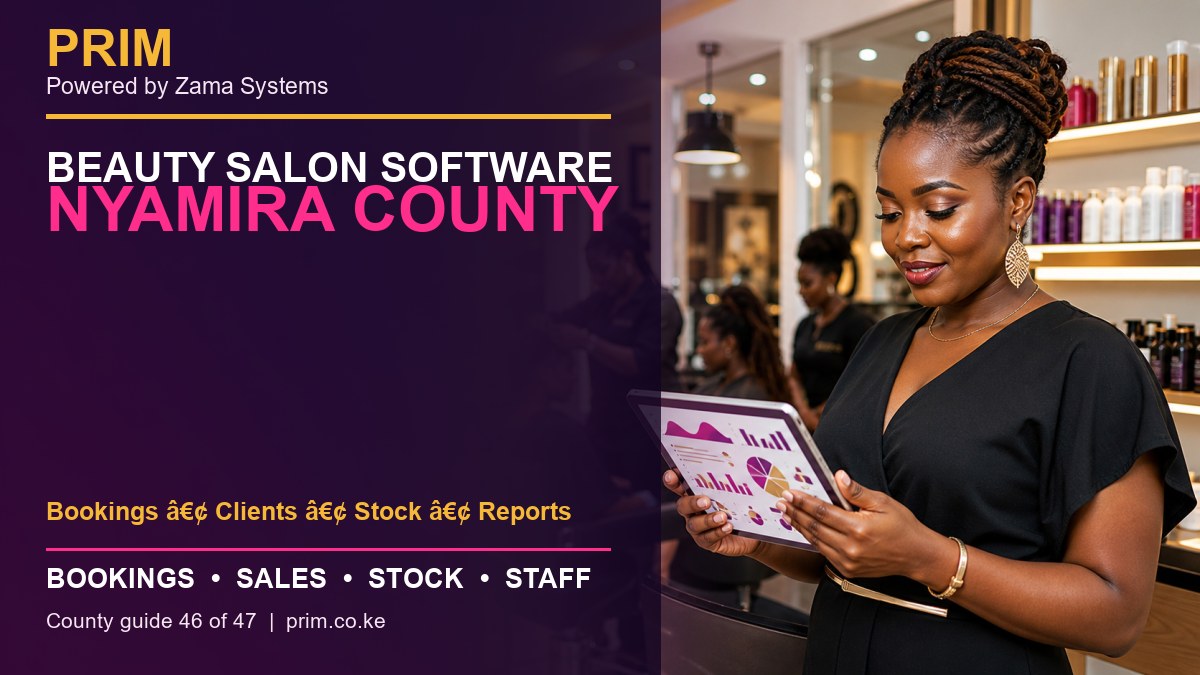
    Beauty Salon Software Nyamira County: Bookings, POS, Stock and Staff

    Beauty Salon Software Nyamira County is designed for owners searching for a practical way to manage bookings, clients, stock, reports across Nyamira Town, Keroka, Ekerenyo and Nyansiongo. PRIM gives beauty salon businesses a mobile-first operating system for the daily work that protects revenue and client trust.

    Beauty Salon Software Nyamira County
    Beauty Salon Software Nyamira County county guide by PRIM, Powered by Zama Systems.

    Powered by Zama Systems. PRIM combines beauty and wellness workflows with Kenyan implementation experience, role-based access, local payment realities and scalable business automation.

    Request a PRIM demo for Nyamira County

    Bring your service list, staff structure, payment methods, stock challenges and current booking process. See PRIM using your own workflow.

    Why businesses in Nyamira County need management software

    beauty businesses need a simple view of appointments, repeat clients, products and business performance. The problem is rarely a lack of effort. It is that appointments, payments, products and employee work are recorded in different places.

    Businesses serving Nyamira Town, Keroka, Ekerenyo and Nyansiongo need fast answers: who is booked, which professional is available, what the client bought, how they paid, what stock moved and whether the day closed correctly. PRIM brings those answers into one system.

    Connect the full salon client journey

    PRIM links enquiry, appointment, arrival, service, payment, stock movement and follow-up. Reception, service staff and management work from one controlled record rather than separate diaries, phones and spreadsheets.

    Services can be assigned to employees, payments separated by method, products deducted and repeat-client history retained for better service.

    What buyers should expect from Beauty Salon Software Nyamira County

    • Shared booking calendar: appointments, reschedules, confirmations and walk-ins should be visible to authorized team members.
    • Client profiles: visit history and preferences help teams provide consistent service and relevant follow-up.
    • POS and M-Pesa records: services and products should connect to the payment method and employee responsible.
    • Stock control: purchases, retail sales, service consumption and adjustments should create a reviewable trail.
    • Staff accountability: schedules, service totals and commissions should come from completed transactions.
    • Owner reports: managers should see sales, payments, stock and performance without rebuilding spreadsheets.

    Local rollout plan for a Nyamira business

    1. Map the current day

    Follow one client from enquiry to booking, arrival, service, checkout and next visit. Mark every delay, duplicate entry and decision that depends on one person’s memory.

    2. Clean the service menu

    Confirm service names, prices, duration, required skills and whether a deposit is needed. Consistent setup prevents calendar conflicts and misleading reports.

    3. Verify products and opening stock

    Separate products sold to clients from products consumed during services. Count the opening balance and assign responsibility for receiving and adjustments.

    4. Define roles

    Decide who can discount, refund, edit stock, view commissions, export reports and change prices. Do not give every user full administrator access.

    5. Train with real scenarios

    Practice a walk-in, reschedule, split payment, package redemption, staff substitution, product sale and closing mismatch before going live.

    How PRIM reduces common revenue leaks

    Missed bookings reduce chair or room utilization. Unrecorded services weaken sales reports. Product usage without stock entries hides loss. Informal commission calculations create disputes. PRIM provides a transaction trail so management can identify the process causing the problem.

    Software does not replace leadership. Owners should review the first weeks closely, compare reports with M-Pesa, cash and physical stock, then correct setup or training gaps quickly.

    Questions to ask during the demonstration

    • Can PRIM handle both appointments and walk-ins?
    • Can services have different durations, prices and skill requirements?
    • How are cash, M-Pesa and other payment methods separated?
    • Can stock used during services be distinguished from retail sales?
    • Can commission reports be traced to individual transactions?
    • Can the platform support a future branch elsewhere in Nyamira County?
    • What onboarding, training and support are included?

    Frequently asked questions

    Is PRIM suitable for a small business?

    Yes. A small team can begin with essential booking, POS, client and stock workflows, then add more controls as the business grows.

    Does PRIM support M-Pesa?

    PRIM can organize payment records by method. The exact integration or reconciliation scope should be confirmed during the demo.

    Can PRIM manage commissions?

    PRIM can support documented commission rules and transaction-level review. Complex rules should be tested before launch.

    Can an owner check reports remotely?

    PRIM is built to improve management visibility. Access and permissions should be configured around the owner’s security requirements.

    How long does setup take?

    Timing depends on data quality, number of users, stock items, integrations, branches and training needs. A focused discovery produces the most reliable estimate.

    Explore PRIM in other counties

    View the national PRIM salon, spa, barber, beauty, wellness and gym management platform. PRIM is Powered by Zama Systems.

    Grow with better records

    Request a focused demonstration of Beauty Salon Software Nyamira County. Start with PRIM.

  • Salon POS Software Kisii County: Bookings, POS, Stock and Staff

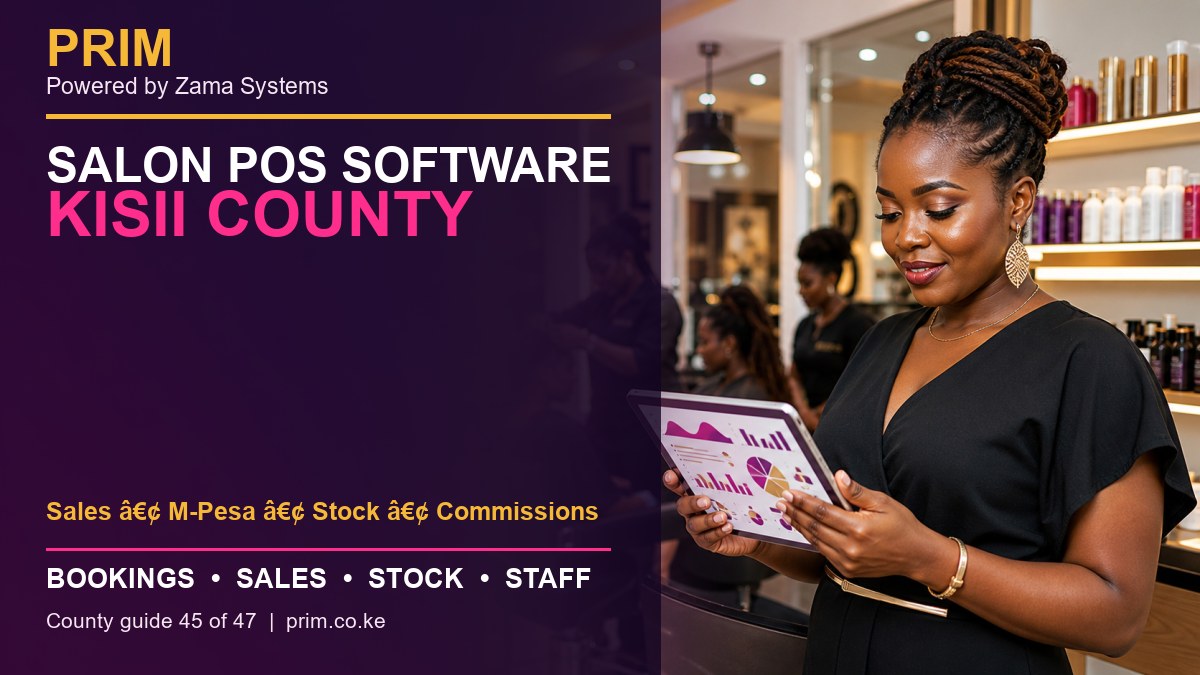
    Salon POS Software Kisii County: Bookings, POS, Stock and Staff

    Salon POS Software Kisii County is designed for owners searching for a practical way to manage sales, m-pesa, stock, commissions across Kisii Town, Ogembo, Suneka, Keroka and Daraja Mbili. PRIM gives salon businesses a mobile-first operating system for the daily work that protects revenue and client trust.

    Salon POS Software Kisii County
    Salon POS Software Kisii County county guide by PRIM, Powered by Zama Systems.

    Powered by Zama Systems. PRIM combines beauty and wellness workflows with Kenyan implementation experience, role-based access, local payment realities and scalable business automation.

    Request a PRIM demo for Kisii County

    Bring your service list, staff structure, payment methods, stock challenges and current booking process. See PRIM using your own workflow.

    Why businesses in Kisii County need management software

    busy salons need fast POS, reliable M-Pesa closing, stock deduction and commission evidence. The problem is rarely a lack of effort. It is that appointments, payments, products and employee work are recorded in different places.

    Businesses serving Kisii Town, Ogembo, Suneka, Keroka and Daraja Mbili need fast answers: who is booked, which professional is available, what the client bought, how they paid, what stock moved and whether the day closed correctly. PRIM brings those answers into one system.

    Connect the full salon client journey

    PRIM links enquiry, appointment, arrival, service, payment, stock movement and follow-up. Reception, service staff and management work from one controlled record rather than separate diaries, phones and spreadsheets.

    Services can be assigned to employees, payments separated by method, products deducted and repeat-client history retained for better service.

    What buyers should expect from Salon POS Software Kisii County

    • Shared booking calendar: appointments, reschedules, confirmations and walk-ins should be visible to authorized team members.
    • Client profiles: visit history and preferences help teams provide consistent service and relevant follow-up.
    • POS and M-Pesa records: services and products should connect to the payment method and employee responsible.
    • Stock control: purchases, retail sales, service consumption and adjustments should create a reviewable trail.
    • Staff accountability: schedules, service totals and commissions should come from completed transactions.
    • Owner reports: managers should see sales, payments, stock and performance without rebuilding spreadsheets.

    Local rollout plan for a Kisii business

    1. Map the current day

    Follow one client from enquiry to booking, arrival, service, checkout and next visit. Mark every delay, duplicate entry and decision that depends on one person’s memory.

    2. Clean the service menu

    Confirm service names, prices, duration, required skills and whether a deposit is needed. Consistent setup prevents calendar conflicts and misleading reports.

    3. Verify products and opening stock

    Separate products sold to clients from products consumed during services. Count the opening balance and assign responsibility for receiving and adjustments.

    4. Define roles

    Decide who can discount, refund, edit stock, view commissions, export reports and change prices. Do not give every user full administrator access.

    5. Train with real scenarios

    Practice a walk-in, reschedule, split payment, package redemption, staff substitution, product sale and closing mismatch before going live.

    How PRIM reduces common revenue leaks

    Missed bookings reduce chair or room utilization. Unrecorded services weaken sales reports. Product usage without stock entries hides loss. Informal commission calculations create disputes. PRIM provides a transaction trail so management can identify the process causing the problem.

    Software does not replace leadership. Owners should review the first weeks closely, compare reports with M-Pesa, cash and physical stock, then correct setup or training gaps quickly.

    Questions to ask during the demonstration

    • Can PRIM handle both appointments and walk-ins?
    • Can services have different durations, prices and skill requirements?
    • How are cash, M-Pesa and other payment methods separated?
    • Can stock used during services be distinguished from retail sales?
    • Can commission reports be traced to individual transactions?
    • Can the platform support a future branch elsewhere in Kisii County?
    • What onboarding, training and support are included?

    Frequently asked questions

    Is PRIM suitable for a small business?

    Yes. A small team can begin with essential booking, POS, client and stock workflows, then add more controls as the business grows.

    Does PRIM support M-Pesa?

    PRIM can organize payment records by method. The exact integration or reconciliation scope should be confirmed during the demo.

    Can PRIM manage commissions?

    PRIM can support documented commission rules and transaction-level review. Complex rules should be tested before launch.

    Can an owner check reports remotely?

    PRIM is built to improve management visibility. Access and permissions should be configured around the owner’s security requirements.

    How long does setup take?

    Timing depends on data quality, number of users, stock items, integrations, branches and training needs. A focused discovery produces the most reliable estimate.

    Explore PRIM in other counties

    View the national PRIM salon, spa, barber, beauty, wellness and gym management platform. PRIM is Powered by Zama Systems.

    Grow with better records

    Request a focused demonstration of Salon POS Software Kisii County. Start with PRIM.

  • Barber Shop Software Migori County: Bookings, POS, Stock and Staff

    Barber Shop Software Migori County: Bookings, POS, Stock and Staff

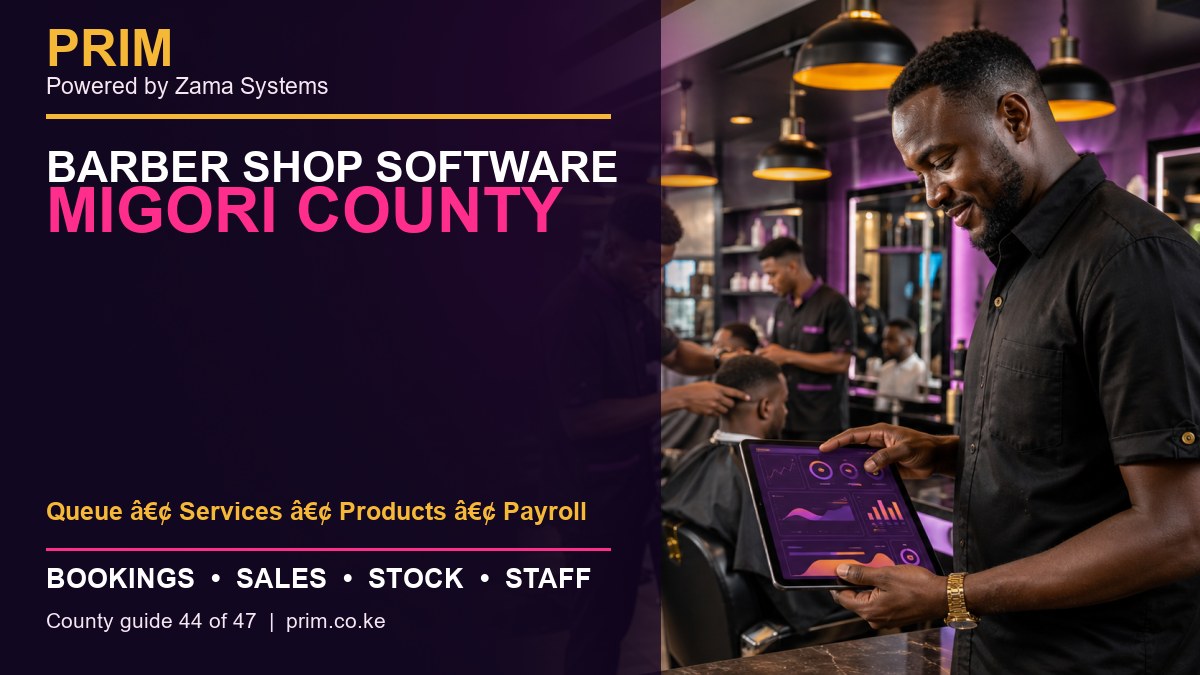
    Barber Shop Software Migori County is designed for owners searching for a practical way to manage queue, services, products, payroll across Migori Town, Rongo, Awendo, Isebania and Kehancha. PRIM gives barber shop businesses a mobile-first operating system for the daily work that protects revenue and client trust.

    Barber Shop Software Migori County
    Barber Shop Software Migori County county guide by PRIM, Powered by Zama Systems.

    Powered by Zama Systems. PRIM combines beauty and wellness workflows with Kenyan implementation experience, role-based access, local payment realities and scalable business automation.

    Request a PRIM demo for Migori County

    Bring your service list, staff structure, payment methods, stock challenges and current booking process. See PRIM using your own workflow.

    Why businesses in Migori County need management software

    high walk-in demand needs fair queues, quick service checkout, product tracking and employee accountability. The problem is rarely a lack of effort. It is that appointments, payments, products and employee work are recorded in different places.

    Businesses serving Migori Town, Rongo, Awendo, Isebania and Kehancha need fast answers: who is booked, which professional is available, what the client bought, how they paid, what stock moved and whether the day closed correctly. PRIM brings those answers into one system.

    Control walk-in queues and barber performance

    Barber shops combine walk-in demand, appointments, multiple chairs and quick checkout. A digital queue shows arrival order, requested service and available barber. This reduces confusion and makes waiting expectations clearer.

    Every completed service should connect to the barber, payment method and any retail product sold. The same record supports commission review and daily closing.

    What buyers should expect from Barber Shop Software Migori County

    • Shared booking calendar: appointments, reschedules, confirmations and walk-ins should be visible to authorized team members.
    • Client profiles: visit history and preferences help teams provide consistent service and relevant follow-up.
    • POS and M-Pesa records: services and products should connect to the payment method and employee responsible.
    • Stock control: purchases, retail sales, service consumption and adjustments should create a reviewable trail.
    • Staff accountability: schedules, service totals and commissions should come from completed transactions.
    • Owner reports: managers should see sales, payments, stock and performance without rebuilding spreadsheets.

    Local rollout plan for a Migori business

    1. Map the current day

    Follow one client from enquiry to booking, arrival, service, checkout and next visit. Mark every delay, duplicate entry and decision that depends on one person’s memory.

    2. Clean the service menu

    Confirm service names, prices, duration, required skills and whether a deposit is needed. Consistent setup prevents calendar conflicts and misleading reports.

    3. Verify products and opening stock

    Separate products sold to clients from products consumed during services. Count the opening balance and assign responsibility for receiving and adjustments.

    4. Define roles

    Decide who can discount, refund, edit stock, view commissions, export reports and change prices. Do not give every user full administrator access.

    5. Train with real scenarios

    Practice a walk-in, reschedule, split payment, package redemption, staff substitution, product sale and closing mismatch before going live.

    How PRIM reduces common revenue leaks

    Missed bookings reduce chair or room utilization. Unrecorded services weaken sales reports. Product usage without stock entries hides loss. Informal commission calculations create disputes. PRIM provides a transaction trail so management can identify the process causing the problem.

    Software does not replace leadership. Owners should review the first weeks closely, compare reports with M-Pesa, cash and physical stock, then correct setup or training gaps quickly.

    Questions to ask during the demonstration

    • Can PRIM handle both appointments and walk-ins?
    • Can services have different durations, prices and skill requirements?
    • How are cash, M-Pesa and other payment methods separated?
    • Can stock used during services be distinguished from retail sales?
    • Can commission reports be traced to individual transactions?
    • Can the platform support a future branch elsewhere in Migori County?
    • What onboarding, training and support are included?

    Frequently asked questions

    Is PRIM suitable for a small business?

    Yes. A small team can begin with essential booking, POS, client and stock workflows, then add more controls as the business grows.

    Does PRIM support M-Pesa?

    PRIM can organize payment records by method. The exact integration or reconciliation scope should be confirmed during the demo.

    Can PRIM manage commissions?

    PRIM can support documented commission rules and transaction-level review. Complex rules should be tested before launch.

    Can an owner check reports remotely?

    PRIM is built to improve management visibility. Access and permissions should be configured around the owner’s security requirements.

    How long does setup take?

    Timing depends on data quality, number of users, stock items, integrations, branches and training needs. A focused discovery produces the most reliable estimate.

    Explore PRIM in other counties

    View the national PRIM salon, spa, barber, beauty, wellness and gym management platform. PRIM is Powered by Zama Systems.

    Grow with better records

    Request a focused demonstration of Barber Shop Software Migori County. Start with PRIM.

  • Salon Management Software Homa Bay County: Bookings, POS, Stock and Staff

    Salon Management Software Homa Bay County: Bookings, POS, Stock and Staff

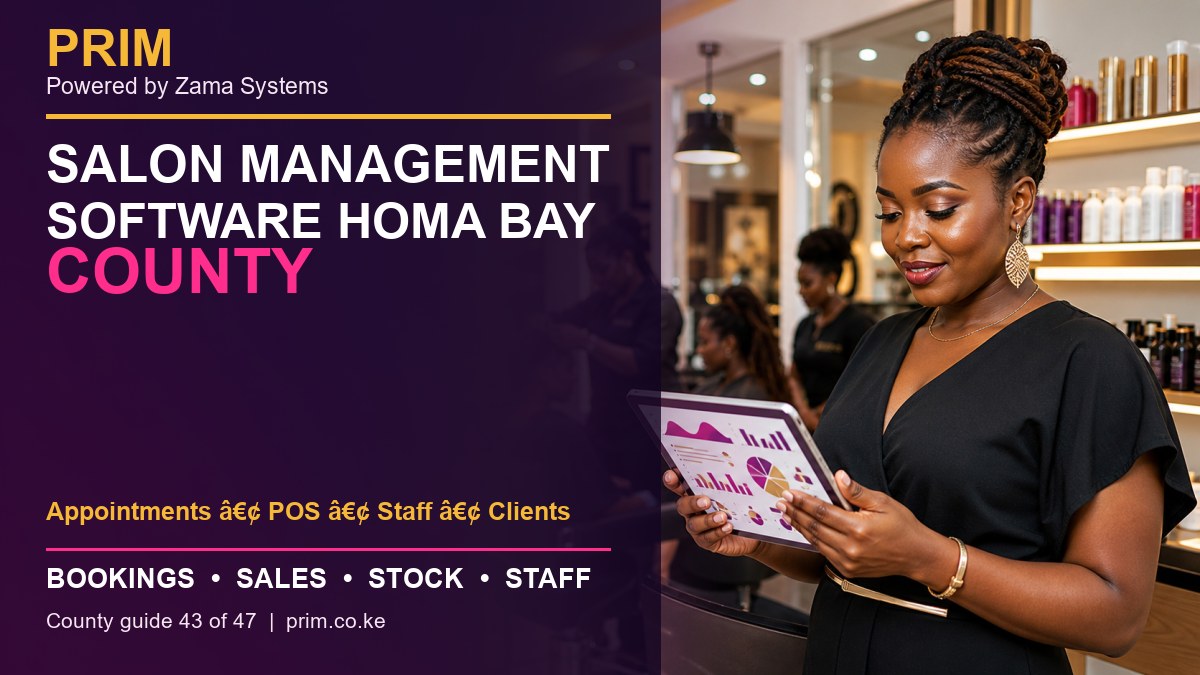
    Salon Management Software Homa Bay County is designed for owners searching for a practical way to manage appointments, pos, staff, clients across Homa Bay Town, Oyugis, Kendu Bay, Mbita and Ndhiwa. PRIM gives salon businesses a mobile-first operating system for the daily work that protects revenue and client trust.

    Salon Management Software Homa Bay County
    Salon Management Software Homa Bay County county guide by PRIM, Powered by Zama Systems.

    Powered by Zama Systems. PRIM combines beauty and wellness workflows with Kenyan implementation experience, role-based access, local payment realities and scalable business automation.

    Request a PRIM demo for Homa Bay County

    Bring your service list, staff structure, payment methods, stock challenges and current booking process. See PRIM using your own workflow.

    Why businesses in Homa Bay County need management software

    salons serving several lake-region towns need one record for appointments, payments, employee work and customer history. The problem is rarely a lack of effort. It is that appointments, payments, products and employee work are recorded in different places.

    Businesses serving Homa Bay Town, Oyugis, Kendu Bay, Mbita and Ndhiwa need fast answers: who is booked, which professional is available, what the client bought, how they paid, what stock moved and whether the day closed correctly. PRIM brings those answers into one system.

    Connect the full salon client journey

    PRIM links enquiry, appointment, arrival, service, payment, stock movement and follow-up. Reception, service staff and management work from one controlled record rather than separate diaries, phones and spreadsheets.

    Services can be assigned to employees, payments separated by method, products deducted and repeat-client history retained for better service.

    What buyers should expect from Salon Management Software Homa Bay County

    • Shared booking calendar: appointments, reschedules, confirmations and walk-ins should be visible to authorized team members.
    • Client profiles: visit history and preferences help teams provide consistent service and relevant follow-up.
    • POS and M-Pesa records: services and products should connect to the payment method and employee responsible.
    • Stock control: purchases, retail sales, service consumption and adjustments should create a reviewable trail.
    • Staff accountability: schedules, service totals and commissions should come from completed transactions.
    • Owner reports: managers should see sales, payments, stock and performance without rebuilding spreadsheets.

    Local rollout plan for a Homa Bay business

    1. Map the current day

    Follow one client from enquiry to booking, arrival, service, checkout and next visit. Mark every delay, duplicate entry and decision that depends on one person’s memory.

    2. Clean the service menu

    Confirm service names, prices, duration, required skills and whether a deposit is needed. Consistent setup prevents calendar conflicts and misleading reports.

    3. Verify products and opening stock

    Separate products sold to clients from products consumed during services. Count the opening balance and assign responsibility for receiving and adjustments.

    4. Define roles

    Decide who can discount, refund, edit stock, view commissions, export reports and change prices. Do not give every user full administrator access.

    5. Train with real scenarios

    Practice a walk-in, reschedule, split payment, package redemption, staff substitution, product sale and closing mismatch before going live.

    How PRIM reduces common revenue leaks

    Missed bookings reduce chair or room utilization. Unrecorded services weaken sales reports. Product usage without stock entries hides loss. Informal commission calculations create disputes. PRIM provides a transaction trail so management can identify the process causing the problem.

    Software does not replace leadership. Owners should review the first weeks closely, compare reports with M-Pesa, cash and physical stock, then correct setup or training gaps quickly.

    Questions to ask during the demonstration

    • Can PRIM handle both appointments and walk-ins?
    • Can services have different durations, prices and skill requirements?
    • How are cash, M-Pesa and other payment methods separated?
    • Can stock used during services be distinguished from retail sales?
    • Can commission reports be traced to individual transactions?
    • Can the platform support a future branch elsewhere in Homa Bay County?
    • What onboarding, training and support are included?

    Frequently asked questions

    Is PRIM suitable for a small business?

    Yes. A small team can begin with essential booking, POS, client and stock workflows, then add more controls as the business grows.

    Does PRIM support M-Pesa?

    PRIM can organize payment records by method. The exact integration or reconciliation scope should be confirmed during the demo.

    Can PRIM manage commissions?

    PRIM can support documented commission rules and transaction-level review. Complex rules should be tested before launch.

    Can an owner check reports remotely?

    PRIM is built to improve management visibility. Access and permissions should be configured around the owner’s security requirements.

    How long does setup take?

    Timing depends on data quality, number of users, stock items, integrations, branches and training needs. A focused discovery produces the most reliable estimate.

    Explore PRIM in other counties

    View the national PRIM salon, spa, barber, beauty, wellness and gym management platform. PRIM is Powered by Zama Systems.

    Grow with better records

    Request a focused demonstration of Salon Management Software Homa Bay County. Start with PRIM.

  • Beauty Salon Software Kisumu County: Bookings, POS, Stock and Staff

    Beauty Salon Software Kisumu County: Bookings, POS, Stock and Staff

    Beauty Salon Software Kisumu County is designed for owners searching for a practical way to manage branches, pos, clients, stock across Kisumu City, Ahero, Maseno, Muhoroni and Katito. PRIM gives beauty salon and spa group businesses a mobile-first operating system for the daily work that protects revenue and client trust.

    Beauty Salon Software Kisumu County
    Beauty Salon Software Kisumu County county guide by PRIM, Powered by Zama Systems.

    Powered by Zama Systems. PRIM combines beauty and wellness workflows with Kenyan implementation experience, role-based access, local payment realities and scalable business automation.

    Request a PRIM demo for Kisumu County

    Bring your service list, staff structure, payment methods, stock challenges and current booking process. See PRIM using your own workflow.

    Why businesses in Kisumu County need management software

    a strong city market supports multi-service and multi-branch businesses that need centralized sales, client and stock reporting. The problem is rarely a lack of effort. It is that appointments, payments, products and employee work are recorded in different places.

    Businesses serving Kisumu City, Ahero, Maseno, Muhoroni and Katito need fast answers: who is booked, which professional is available, what the client bought, how they paid, what stock moved and whether the day closed correctly. PRIM brings those answers into one system.

    Connect the full salon client journey

    PRIM links enquiry, appointment, arrival, service, payment, stock movement and follow-up. Reception, service staff and management work from one controlled record rather than separate diaries, phones and spreadsheets.

    Services can be assigned to employees, payments separated by method, products deducted and repeat-client history retained for better service.

    What buyers should expect from Beauty Salon Software Kisumu County

    • Shared booking calendar: appointments, reschedules, confirmations and walk-ins should be visible to authorized team members.
    • Client profiles: visit history and preferences help teams provide consistent service and relevant follow-up.
    • POS and M-Pesa records: services and products should connect to the payment method and employee responsible.
    • Stock control: purchases, retail sales, service consumption and adjustments should create a reviewable trail.
    • Staff accountability: schedules, service totals and commissions should come from completed transactions.
    • Owner reports: managers should see sales, payments, stock and performance without rebuilding spreadsheets.

    Local rollout plan for a Kisumu business

    1. Map the current day

    Follow one client from enquiry to booking, arrival, service, checkout and next visit. Mark every delay, duplicate entry and decision that depends on one person’s memory.

    2. Clean the service menu

    Confirm service names, prices, duration, required skills and whether a deposit is needed. Consistent setup prevents calendar conflicts and misleading reports.

    3. Verify products and opening stock

    Separate products sold to clients from products consumed during services. Count the opening balance and assign responsibility for receiving and adjustments.

    4. Define roles

    Decide who can discount, refund, edit stock, view commissions, export reports and change prices. Do not give every user full administrator access.

    5. Train with real scenarios

    Practice a walk-in, reschedule, split payment, package redemption, staff substitution, product sale and closing mismatch before going live.

    How PRIM reduces common revenue leaks

    Missed bookings reduce chair or room utilization. Unrecorded services weaken sales reports. Product usage without stock entries hides loss. Informal commission calculations create disputes. PRIM provides a transaction trail so management can identify the process causing the problem.

    Software does not replace leadership. Owners should review the first weeks closely, compare reports with M-Pesa, cash and physical stock, then correct setup or training gaps quickly.

    Questions to ask during the demonstration

    • Can PRIM handle both appointments and walk-ins?
    • Can services have different durations, prices and skill requirements?
    • How are cash, M-Pesa and other payment methods separated?
    • Can stock used during services be distinguished from retail sales?
    • Can commission reports be traced to individual transactions?
    • Can the platform support a future branch elsewhere in Kisumu County?
    • What onboarding, training and support are included?

    Frequently asked questions

    Is PRIM suitable for a small business?

    Yes. A small team can begin with essential booking, POS, client and stock workflows, then add more controls as the business grows.

    Does PRIM support M-Pesa?

    PRIM can organize payment records by method. The exact integration or reconciliation scope should be confirmed during the demo.

    Can PRIM manage commissions?

    PRIM can support documented commission rules and transaction-level review. Complex rules should be tested before launch.

    Can an owner check reports remotely?

    PRIM is built to improve management visibility. Access and permissions should be configured around the owner’s security requirements.

    How long does setup take?

    Timing depends on data quality, number of users, stock items, integrations, branches and training needs. A focused discovery produces the most reliable estimate.

    Explore PRIM in other counties

    View the national PRIM salon, spa, barber, beauty, wellness and gym management platform. PRIM is Powered by Zama Systems.

    Grow with better records

    Request a focused demonstration of Beauty Salon Software Kisumu County. Start with PRIM.

  • Beauty Salon Software Siaya County: Bookings, POS, Stock and Staff

    Beauty Salon Software Siaya County: Bookings, POS, Stock and Staff

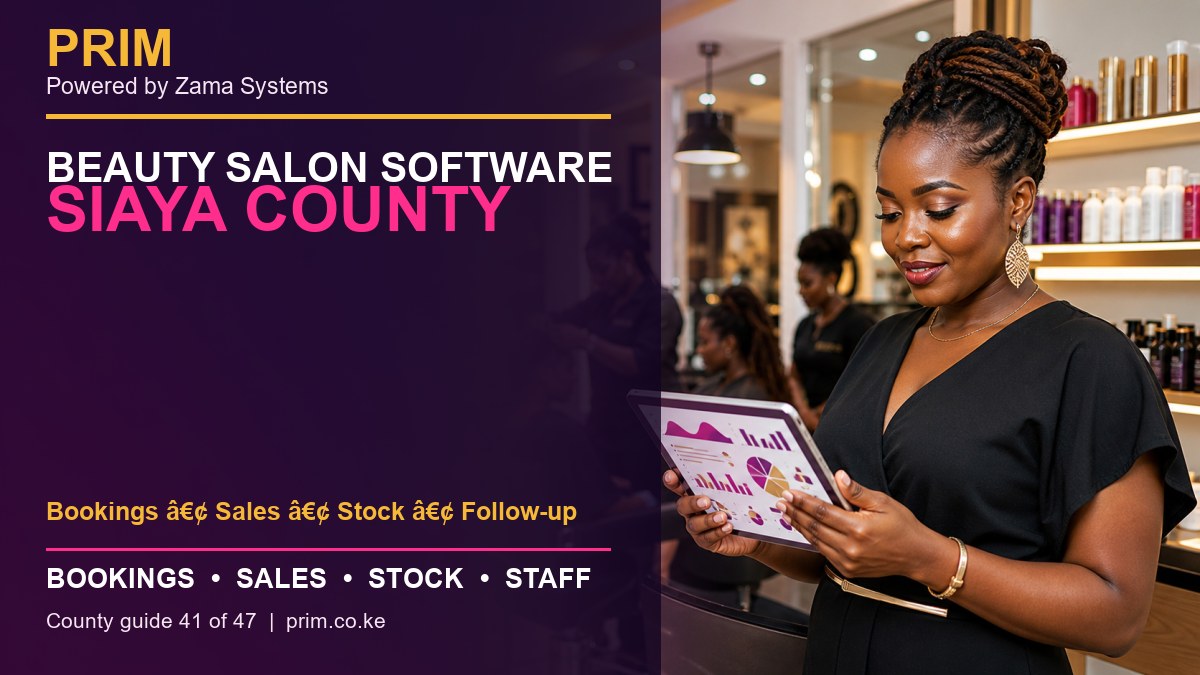
    Beauty Salon Software Siaya County is designed for owners searching for a practical way to manage bookings, sales, stock, follow-up across Siaya Town, Bondo, Ugunja, Yala and Rarieda. PRIM gives beauty salon businesses a mobile-first operating system for the daily work that protects revenue and client trust.

    Beauty Salon Software Siaya County
    Beauty Salon Software Siaya County county guide by PRIM, Powered by Zama Systems.

    Powered by Zama Systems. PRIM combines beauty and wellness workflows with Kenyan implementation experience, role-based access, local payment realities and scalable business automation.

    Request a PRIM demo for Siaya County

    Bring your service list, staff structure, payment methods, stock challenges and current booking process. See PRIM using your own workflow.

    Why businesses in Siaya County need management software

    owners need visibility across appointments, sales, product use and client follow-up in several active towns. The problem is rarely a lack of effort. It is that appointments, payments, products and employee work are recorded in different places.

    Businesses serving Siaya Town, Bondo, Ugunja, Yala and Rarieda need fast answers: who is booked, which professional is available, what the client bought, how they paid, what stock moved and whether the day closed correctly. PRIM brings those answers into one system.

    Connect the full salon client journey

    PRIM links enquiry, appointment, arrival, service, payment, stock movement and follow-up. Reception, service staff and management work from one controlled record rather than separate diaries, phones and spreadsheets.

    Services can be assigned to employees, payments separated by method, products deducted and repeat-client history retained for better service.

    What buyers should expect from Beauty Salon Software Siaya County

    • Shared booking calendar: appointments, reschedules, confirmations and walk-ins should be visible to authorized team members.
    • Client profiles: visit history and preferences help teams provide consistent service and relevant follow-up.
    • POS and M-Pesa records: services and products should connect to the payment method and employee responsible.
    • Stock control: purchases, retail sales, service consumption and adjustments should create a reviewable trail.
    • Staff accountability: schedules, service totals and commissions should come from completed transactions.
    • Owner reports: managers should see sales, payments, stock and performance without rebuilding spreadsheets.

    Local rollout plan for a Siaya business

    1. Map the current day

    Follow one client from enquiry to booking, arrival, service, checkout and next visit. Mark every delay, duplicate entry and decision that depends on one person’s memory.

    2. Clean the service menu

    Confirm service names, prices, duration, required skills and whether a deposit is needed. Consistent setup prevents calendar conflicts and misleading reports.

    3. Verify products and opening stock

    Separate products sold to clients from products consumed during services. Count the opening balance and assign responsibility for receiving and adjustments.

    4. Define roles

    Decide who can discount, refund, edit stock, view commissions, export reports and change prices. Do not give every user full administrator access.

    5. Train with real scenarios

    Practice a walk-in, reschedule, split payment, package redemption, staff substitution, product sale and closing mismatch before going live.

    How PRIM reduces common revenue leaks

    Missed bookings reduce chair or room utilization. Unrecorded services weaken sales reports. Product usage without stock entries hides loss. Informal commission calculations create disputes. PRIM provides a transaction trail so management can identify the process causing the problem.

    Software does not replace leadership. Owners should review the first weeks closely, compare reports with M-Pesa, cash and physical stock, then correct setup or training gaps quickly.

    Questions to ask during the demonstration

    • Can PRIM handle both appointments and walk-ins?
    • Can services have different durations, prices and skill requirements?
    • How are cash, M-Pesa and other payment methods separated?
    • Can stock used during services be distinguished from retail sales?
    • Can commission reports be traced to individual transactions?
    • Can the platform support a future branch elsewhere in Siaya County?
    • What onboarding, training and support are included?

    Frequently asked questions

    Is PRIM suitable for a small business?

    Yes. A small team can begin with essential booking, POS, client and stock workflows, then add more controls as the business grows.

    Does PRIM support M-Pesa?

    PRIM can organize payment records by method. The exact integration or reconciliation scope should be confirmed during the demo.

    Can PRIM manage commissions?

    PRIM can support documented commission rules and transaction-level review. Complex rules should be tested before launch.

    Can an owner check reports remotely?

    PRIM is built to improve management visibility. Access and permissions should be configured around the owner’s security requirements.

    How long does setup take?

    Timing depends on data quality, number of users, stock items, integrations, branches and training needs. A focused discovery produces the most reliable estimate.

    Explore PRIM in other counties

    View the national PRIM salon, spa, barber, beauty, wellness and gym management platform. PRIM is Powered by Zama Systems.

    Grow with better records

    Request a focused demonstration of Beauty Salon Software Siaya County. Start with PRIM.

  • Salon Booking Software Busia County: Bookings, POS, Stock and Staff

    Salon Booking Software Busia County: Bookings, POS, Stock and Staff

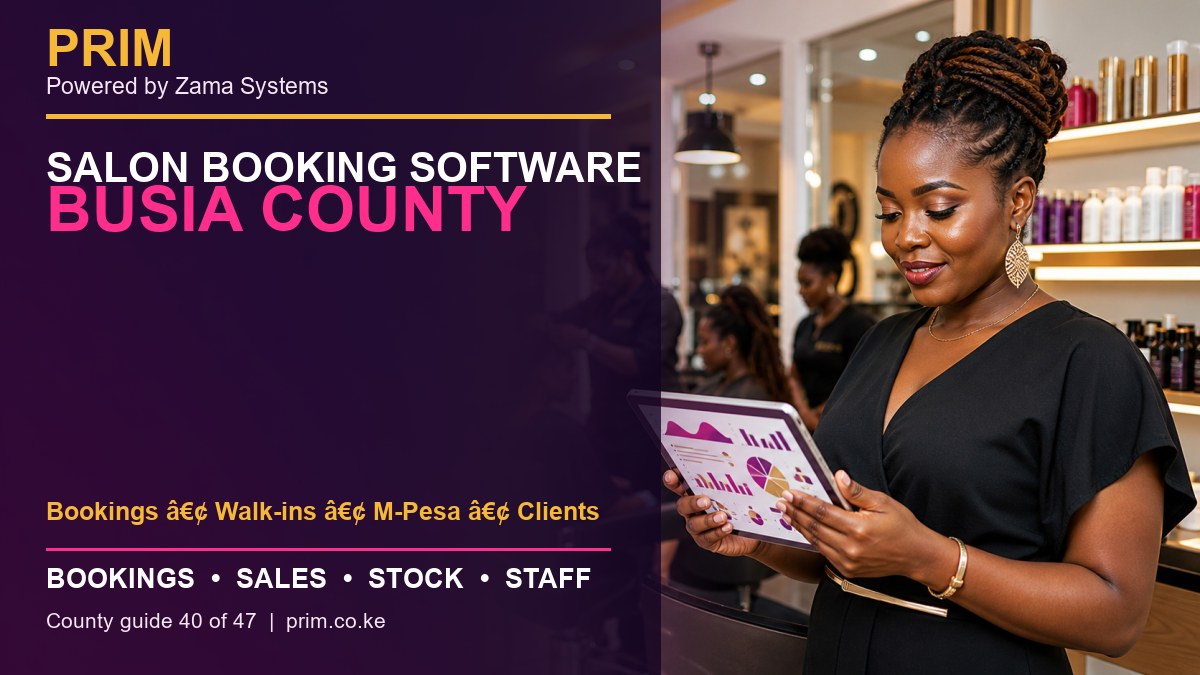
    Salon Booking Software Busia County is designed for owners searching for a practical way to manage bookings, walk-ins, m-pesa, clients across Busia Town, Malaba, Bumala and Nambale. PRIM gives salon businesses a mobile-first operating system for the daily work that protects revenue and client trust.

    Salon Booking Software Busia County
    Salon Booking Software Busia County county guide by PRIM, Powered by Zama Systems.

    Powered by Zama Systems. PRIM combines beauty and wellness workflows with Kenyan implementation experience, role-based access, local payment realities and scalable business automation.

    Request a PRIM demo for Busia County

    Bring your service list, staff structure, payment methods, stock challenges and current booking process. See PRIM using your own workflow.

    Why businesses in Busia County need management software

    border-town activity requires a flexible appointment and walk-in workflow with reliable payment and customer records. The problem is rarely a lack of effort. It is that appointments, payments, products and employee work are recorded in different places.

    Businesses serving Busia Town, Malaba, Bumala and Nambale need fast answers: who is booked, which professional is available, what the client bought, how they paid, what stock moved and whether the day closed correctly. PRIM brings those answers into one system.

    Connect the full salon client journey

    PRIM links enquiry, appointment, arrival, service, payment, stock movement and follow-up. Reception, service staff and management work from one controlled record rather than separate diaries, phones and spreadsheets.

    Services can be assigned to employees, payments separated by method, products deducted and repeat-client history retained for better service.

    What buyers should expect from Salon Booking Software Busia County

    • Shared booking calendar: appointments, reschedules, confirmations and walk-ins should be visible to authorized team members.
    • Client profiles: visit history and preferences help teams provide consistent service and relevant follow-up.
    • POS and M-Pesa records: services and products should connect to the payment method and employee responsible.
    • Stock control: purchases, retail sales, service consumption and adjustments should create a reviewable trail.
    • Staff accountability: schedules, service totals and commissions should come from completed transactions.
    • Owner reports: managers should see sales, payments, stock and performance without rebuilding spreadsheets.

    Local rollout plan for a Busia business

    1. Map the current day

    Follow one client from enquiry to booking, arrival, service, checkout and next visit. Mark every delay, duplicate entry and decision that depends on one person’s memory.

    2. Clean the service menu

    Confirm service names, prices, duration, required skills and whether a deposit is needed. Consistent setup prevents calendar conflicts and misleading reports.

    3. Verify products and opening stock

    Separate products sold to clients from products consumed during services. Count the opening balance and assign responsibility for receiving and adjustments.

    4. Define roles

    Decide who can discount, refund, edit stock, view commissions, export reports and change prices. Do not give every user full administrator access.

    5. Train with real scenarios

    Practice a walk-in, reschedule, split payment, package redemption, staff substitution, product sale and closing mismatch before going live.

    How PRIM reduces common revenue leaks

    Missed bookings reduce chair or room utilization. Unrecorded services weaken sales reports. Product usage without stock entries hides loss. Informal commission calculations create disputes. PRIM provides a transaction trail so management can identify the process causing the problem.

    Software does not replace leadership. Owners should review the first weeks closely, compare reports with M-Pesa, cash and physical stock, then correct setup or training gaps quickly.

    Questions to ask during the demonstration

    • Can PRIM handle both appointments and walk-ins?
    • Can services have different durations, prices and skill requirements?
    • How are cash, M-Pesa and other payment methods separated?
    • Can stock used during services be distinguished from retail sales?
    • Can commission reports be traced to individual transactions?
    • Can the platform support a future branch elsewhere in Busia County?
    • What onboarding, training and support are included?

    Frequently asked questions

    Is PRIM suitable for a small business?

    Yes. A small team can begin with essential booking, POS, client and stock workflows, then add more controls as the business grows.

    Does PRIM support M-Pesa?

    PRIM can organize payment records by method. The exact integration or reconciliation scope should be confirmed during the demo.

    Can PRIM manage commissions?

    PRIM can support documented commission rules and transaction-level review. Complex rules should be tested before launch.

    Can an owner check reports remotely?

    PRIM is built to improve management visibility. Access and permissions should be configured around the owner’s security requirements.

    How long does setup take?

    Timing depends on data quality, number of users, stock items, integrations, branches and training needs. A focused discovery produces the most reliable estimate.

    Explore PRIM in other counties

    View the national PRIM salon, spa, barber, beauty, wellness and gym management platform. PRIM is Powered by Zama Systems.

    Grow with better records

    Request a focused demonstration of Salon Booking Software Busia County. Start with PRIM.

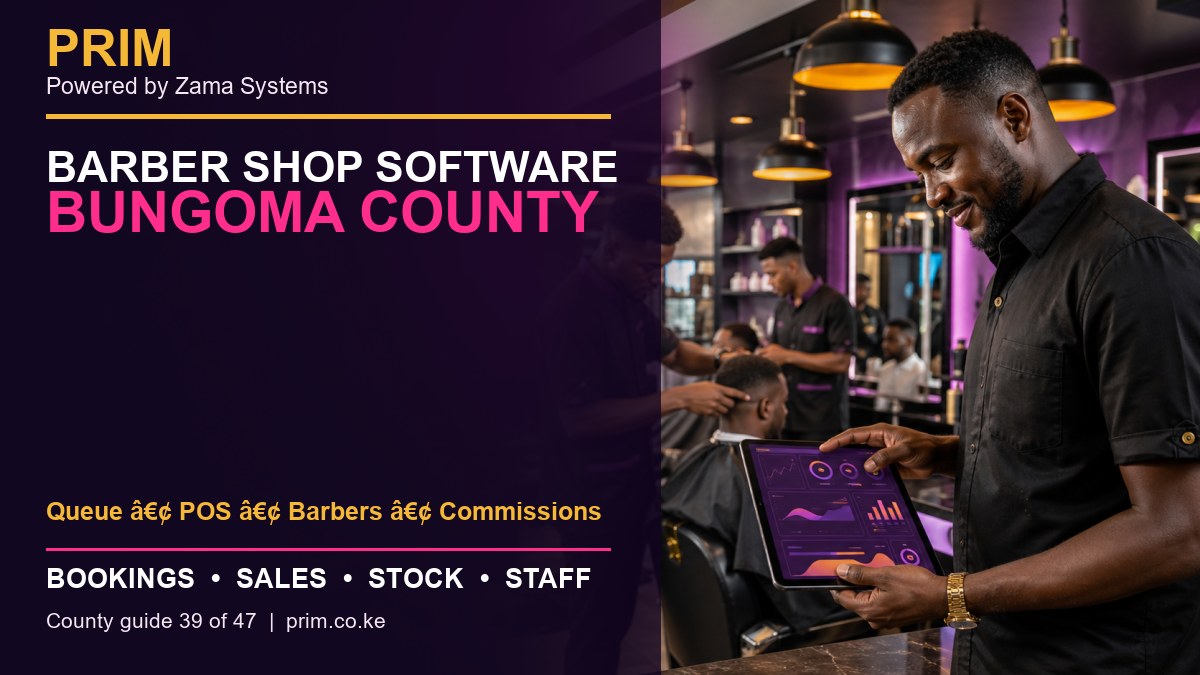
  • Barber Shop Software Bungoma County: Bookings, POS, Stock and Staff

    Barber Shop Software Bungoma County: Bookings, POS, Stock and Staff

    Barber Shop Software Bungoma County is designed for owners searching for a practical way to manage queue, pos, barbers, commissions across Bungoma Town, Webuye, Kimilili, Chwele and Sirisia. PRIM gives barber shop businesses a mobile-first operating system for the daily work that protects revenue and client trust.

    Barber Shop Software Bungoma County
    Barber Shop Software Bungoma County county guide by PRIM, Powered by Zama Systems.

    Powered by Zama Systems. PRIM combines beauty and wellness workflows with Kenyan implementation experience, role-based access, local payment realities and scalable business automation.

    Request a PRIM demo for Bungoma County

    Bring your service list, staff structure, payment methods, stock challenges and current booking process. See PRIM using your own workflow.

    Why businesses in Bungoma County need management software

    busy grooming businesses need queue control, barber performance, product stock and transparent commission totals. The problem is rarely a lack of effort. It is that appointments, payments, products and employee work are recorded in different places.

    Businesses serving Bungoma Town, Webuye, Kimilili, Chwele and Sirisia need fast answers: who is booked, which professional is available, what the client bought, how they paid, what stock moved and whether the day closed correctly. PRIM brings those answers into one system.

    Control walk-in queues and barber performance

    Barber shops combine walk-in demand, appointments, multiple chairs and quick checkout. A digital queue shows arrival order, requested service and available barber. This reduces confusion and makes waiting expectations clearer.

    Every completed service should connect to the barber, payment method and any retail product sold. The same record supports commission review and daily closing.

    What buyers should expect from Barber Shop Software Bungoma County

    • Shared booking calendar: appointments, reschedules, confirmations and walk-ins should be visible to authorized team members.
    • Client profiles: visit history and preferences help teams provide consistent service and relevant follow-up.
    • POS and M-Pesa records: services and products should connect to the payment method and employee responsible.
    • Stock control: purchases, retail sales, service consumption and adjustments should create a reviewable trail.
    • Staff accountability: schedules, service totals and commissions should come from completed transactions.
    • Owner reports: managers should see sales, payments, stock and performance without rebuilding spreadsheets.

    Local rollout plan for a Bungoma business

    1. Map the current day

    Follow one client from enquiry to booking, arrival, service, checkout and next visit. Mark every delay, duplicate entry and decision that depends on one person’s memory.

    2. Clean the service menu

    Confirm service names, prices, duration, required skills and whether a deposit is needed. Consistent setup prevents calendar conflicts and misleading reports.

    3. Verify products and opening stock

    Separate products sold to clients from products consumed during services. Count the opening balance and assign responsibility for receiving and adjustments.

    4. Define roles

    Decide who can discount, refund, edit stock, view commissions, export reports and change prices. Do not give every user full administrator access.

    5. Train with real scenarios

    Practice a walk-in, reschedule, split payment, package redemption, staff substitution, product sale and closing mismatch before going live.

    How PRIM reduces common revenue leaks

    Missed bookings reduce chair or room utilization. Unrecorded services weaken sales reports. Product usage without stock entries hides loss. Informal commission calculations create disputes. PRIM provides a transaction trail so management can identify the process causing the problem.

    Software does not replace leadership. Owners should review the first weeks closely, compare reports with M-Pesa, cash and physical stock, then correct setup or training gaps quickly.

    Questions to ask during the demonstration

    • Can PRIM handle both appointments and walk-ins?
    • Can services have different durations, prices and skill requirements?
    • How are cash, M-Pesa and other payment methods separated?
    • Can stock used during services be distinguished from retail sales?
    • Can commission reports be traced to individual transactions?
    • Can the platform support a future branch elsewhere in Bungoma County?
    • What onboarding, training and support are included?

    Frequently asked questions

    Is PRIM suitable for a small business?

    Yes. A small team can begin with essential booking, POS, client and stock workflows, then add more controls as the business grows.

    Does PRIM support M-Pesa?

    PRIM can organize payment records by method. The exact integration or reconciliation scope should be confirmed during the demo.

    Can PRIM manage commissions?

    PRIM can support documented commission rules and transaction-level review. Complex rules should be tested before launch.

    Can an owner check reports remotely?

    PRIM is built to improve management visibility. Access and permissions should be configured around the owner’s security requirements.

    How long does setup take?

    Timing depends on data quality, number of users, stock items, integrations, branches and training needs. A focused discovery produces the most reliable estimate.

    Explore PRIM in other counties

    View the national PRIM salon, spa, barber, beauty, wellness and gym management platform. PRIM is Powered by Zama Systems.

    Grow with better records

    Request a focused demonstration of Barber Shop Software Bungoma County. Start with PRIM.

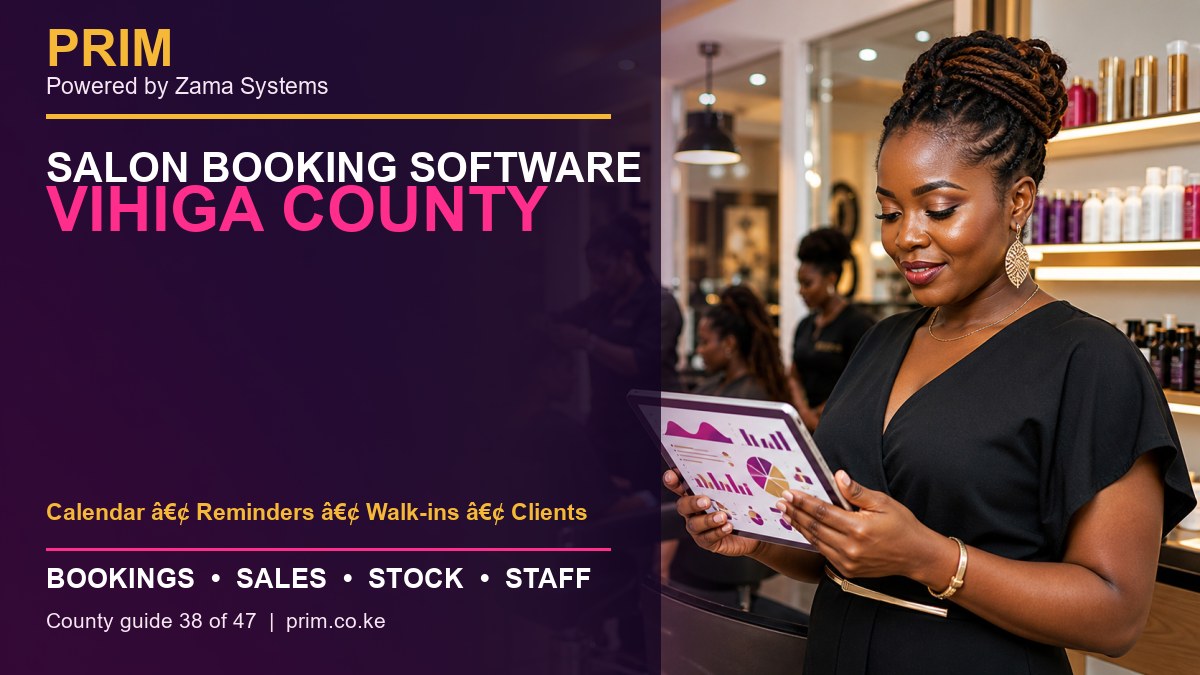
  • Salon Booking Software Vihiga County: Bookings, POS, Stock and Staff

    Salon Booking Software Vihiga County: Bookings, POS, Stock and Staff

    Salon Booking Software Vihiga County is designed for owners searching for a practical way to manage calendar, reminders, walk-ins, clients across Mbale, Luanda, Chavakali and Majengo. PRIM gives salon businesses a mobile-first operating system for the daily work that protects revenue and client trust.

    Salon Booking Software Vihiga County
    Salon Booking Software Vihiga County county guide by PRIM, Powered by Zama Systems.

    Powered by Zama Systems. PRIM combines beauty and wellness workflows with Kenyan implementation experience, role-based access, local payment realities and scalable business automation.

    Request a PRIM demo for Vihiga County

    Bring your service list, staff structure, payment methods, stock challenges and current booking process. See PRIM using your own workflow.

    Why businesses in Vihiga County need management software

    small and growing salons benefit from a shared booking calendar that also records walk-ins and repeat customers. The problem is rarely a lack of effort. It is that appointments, payments, products and employee work are recorded in different places.

    Businesses serving Mbale, Luanda, Chavakali and Majengo need fast answers: who is booked, which professional is available, what the client bought, how they paid, what stock moved and whether the day closed correctly. PRIM brings those answers into one system.

    Connect the full salon client journey

    PRIM links enquiry, appointment, arrival, service, payment, stock movement and follow-up. Reception, service staff and management work from one controlled record rather than separate diaries, phones and spreadsheets.

    Services can be assigned to employees, payments separated by method, products deducted and repeat-client history retained for better service.

    What buyers should expect from Salon Booking Software Vihiga County

    • Shared booking calendar: appointments, reschedules, confirmations and walk-ins should be visible to authorized team members.
    • Client profiles: visit history and preferences help teams provide consistent service and relevant follow-up.
    • POS and M-Pesa records: services and products should connect to the payment method and employee responsible.
    • Stock control: purchases, retail sales, service consumption and adjustments should create a reviewable trail.
    • Staff accountability: schedules, service totals and commissions should come from completed transactions.
    • Owner reports: managers should see sales, payments, stock and performance without rebuilding spreadsheets.

    Local rollout plan for a Vihiga business

    1. Map the current day

    Follow one client from enquiry to booking, arrival, service, checkout and next visit. Mark every delay, duplicate entry and decision that depends on one person’s memory.

    2. Clean the service menu

    Confirm service names, prices, duration, required skills and whether a deposit is needed. Consistent setup prevents calendar conflicts and misleading reports.

    3. Verify products and opening stock

    Separate products sold to clients from products consumed during services. Count the opening balance and assign responsibility for receiving and adjustments.

    4. Define roles

    Decide who can discount, refund, edit stock, view commissions, export reports and change prices. Do not give every user full administrator access.

    5. Train with real scenarios

    Practice a walk-in, reschedule, split payment, package redemption, staff substitution, product sale and closing mismatch before going live.

    How PRIM reduces common revenue leaks

    Missed bookings reduce chair or room utilization. Unrecorded services weaken sales reports. Product usage without stock entries hides loss. Informal commission calculations create disputes. PRIM provides a transaction trail so management can identify the process causing the problem.

    Software does not replace leadership. Owners should review the first weeks closely, compare reports with M-Pesa, cash and physical stock, then correct setup or training gaps quickly.

    Questions to ask during the demonstration

    • Can PRIM handle both appointments and walk-ins?
    • Can services have different durations, prices and skill requirements?
    • How are cash, M-Pesa and other payment methods separated?
    • Can stock used during services be distinguished from retail sales?
    • Can commission reports be traced to individual transactions?
    • Can the platform support a future branch elsewhere in Vihiga County?
    • What onboarding, training and support are included?

    Frequently asked questions

    Is PRIM suitable for a small business?

    Yes. A small team can begin with essential booking, POS, client and stock workflows, then add more controls as the business grows.

    Does PRIM support M-Pesa?

    PRIM can organize payment records by method. The exact integration or reconciliation scope should be confirmed during the demo.

    Can PRIM manage commissions?

    PRIM can support documented commission rules and transaction-level review. Complex rules should be tested before launch.

    Can an owner check reports remotely?

    PRIM is built to improve management visibility. Access and permissions should be configured around the owner’s security requirements.

    How long does setup take?

    Timing depends on data quality, number of users, stock items, integrations, branches and training needs. A focused discovery produces the most reliable estimate.

    Explore PRIM in other counties

    View the national PRIM salon, spa, barber, beauty, wellness and gym management platform. PRIM is Powered by Zama Systems.

    Grow with better records

    Request a focused demonstration of Salon Booking Software Vihiga County. Start with PRIM.