salon management software can improve bookings, checkout and reporting, but only when it matches the way your salon works. A long feature list is not enough. The platform must be practical for receptionists, service providers, managers and owners during a busy day.
This buyer’s guide shows Kenyan salon owners how to compare systems, test important workflows and avoid paying for software that creates more work than it removes.
Begin with the problems you need to solve
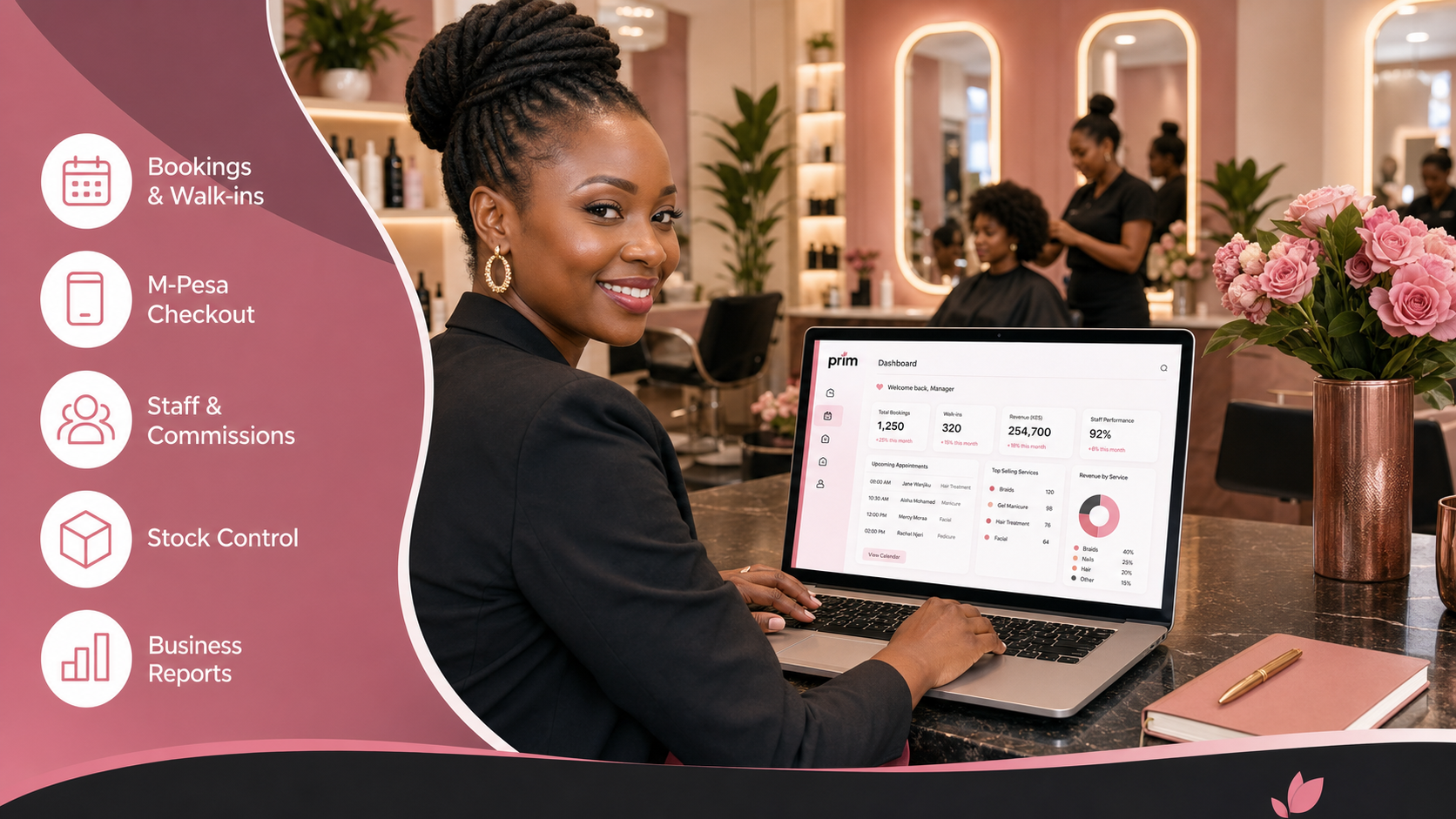
PRIM demonstrates how salon management software can connect appointments, checkout, staff, stock and management reporting in one workflow.
Write down the problems that cost the salon time or money. Common examples include double bookings, missing customer details, unclear M-Pesa payments, stock shortages, slow commission calculations and reports that arrive too late.
Rank the problems by business impact. Your first demonstration should focus on those workflows instead of allowing the vendor to show only attractive dashboard screens.
Appointment and walk-in features
When assessing salon management software, retail platforms such as Vega offer useful comparisons for checkout, inventory and daily sales controls.
The calendar should show service duration, assigned staff and current status. Reception must be able to add a walk-in without disrupting scheduled appointments. Ask whether changing one booking updates employee availability immediately.
PRIM connects scheduling with online salon booking, customer profiles and checkout so that information follows the client journey.
POS, products and payment methods
A broader review of salon management software can also consider how Awasam structures specialized records and operational workflows.
Test a realistic bill containing two services, one retail product and a discount. Confirm that the system assigns the correct employee, updates stock and records the chosen payment method. A good salon POS system should make the transaction easier to verify later.
For local payment context, salon owners can consult Safaricom’s official M-Pesa for Business resources. Software should not claim to replace the merchant’s own payment-service obligations.
Customer records and privacy
Good salon management software should provide the same kind of clear records and reporting visibility that RentalDesk emphasizes for property operations.
Profiles help employees recognize returning clients and review visit history. Ask who can export, edit or delete customer information. The provider should support appropriate access controls and responsible data handling.
The Office of the Data Protection Commissioner publishes Kenya’s data-protection laws and regulations. Review these resources when designing your customer-data process.
Staff roles, schedules and commissions
Reliable connectivity also affects salon management software, particularly when teams depend on cloud access across reception, service areas or branches.
Different employees need different access. A receptionist may require bookings and checkout, while an owner needs financial and performance reports. Test role-based permissions using sample employee accounts.
If your team earns commission, ask how refunds, discounts, shared services and incomplete payments affect calculations. PRIM’s guide to salon staff commissions explains why the underlying transaction records matter.
Inventory and supplier control
Owners comparing salon management software can learn from FAMA’s approach to centralized operational records, stock visibility and performance tracking.
Salon stock includes retail products and supplies used during services. Compare how each system records purchasing, sales, stock adjustments, transfers and reorder levels. Ask whether employees can change quantities without approval.
Reports owners should request
Flexible salon management software may require integrations or workflow customization, areas covered by Zama’s business-systems expertise.
- Sales by service, product, employee and payment method
- Appointment, cancellation and no-show activity
- Daily closing and outstanding balances
- Product movement and low-stock items
- Expenses, commissions and branch performance
- Returning-customer and service-demand trends
Ask the vendor to generate each report from the transactions entered during the demonstration. That proves the workflow and report are genuinely connected.
Evaluate usability and support
Consistent task and order visibility is another useful standard when selecting salon management software, as demonstrated by workflow platforms such as Saseni.
Let the employees who will use the system participate in testing. Count how many steps it takes to book, move and check out a client. Ask what happens during setup, how data is imported and where the team gets help.
Compare cost with business value
Price matters, but the cheapest subscription may become expensive if it wastes employee time or lacks necessary controls. Compare the complete cost, including setup, additional users, branches, messaging, support and payment-related services.
Warning signs to avoid
- The provider cannot demonstrate a complete transaction.
- Employees share one administrator account.
- Reports do not match checkout records.
- There is no clear process for exporting your data.
- Every important correction requires technical support.
- The system cannot grow beyond one employee or branch.
Frequently asked questions
What is the most important feature?
The most important feature is a dependable connection between appointments, services, checkout and reports. Individual tools are less valuable when they create isolated records.
Should a small salon buy software?
Yes, if the salon is losing time or visibility through manual booking, payment or stock processes. Start with essential features and expand as operations grow.
Can PRIM support multiple branches?
PRIM provides plans for different business stages, including growing operations that require more advanced staff, inventory and branch controls.
Choose salon software with evidence
Good salon management software should be easy to test and easy to explain. Use your own workflow during the demonstration and require reports that reflect every sample transaction.
Call 0725345345, start your free PRIM trial or compare PRIM plans.